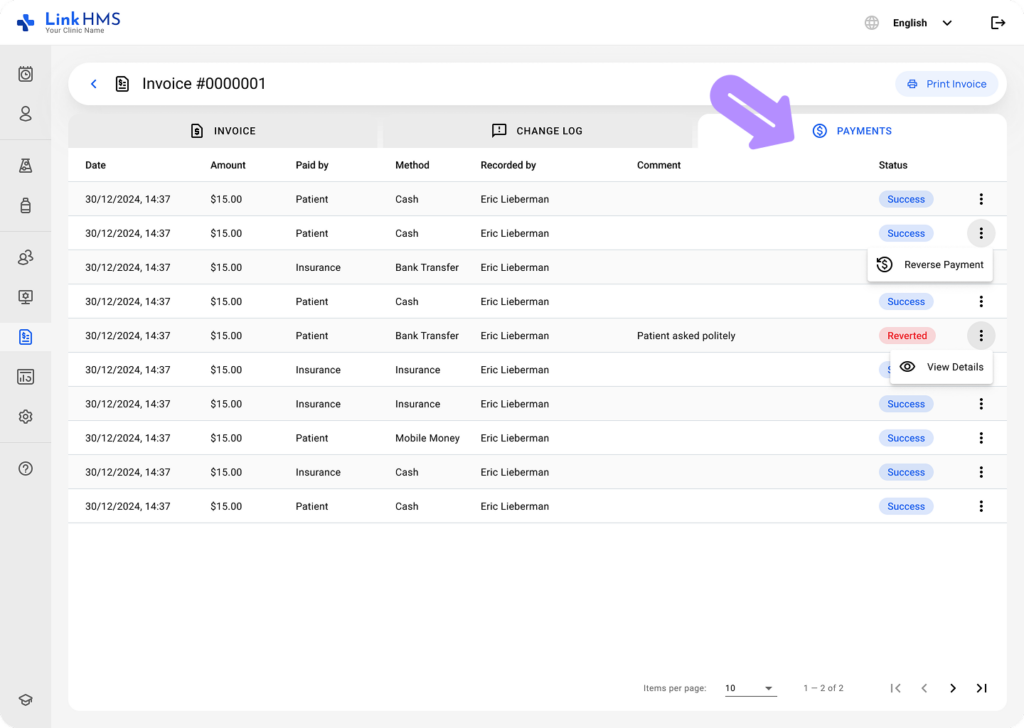
Accessing the Invoice
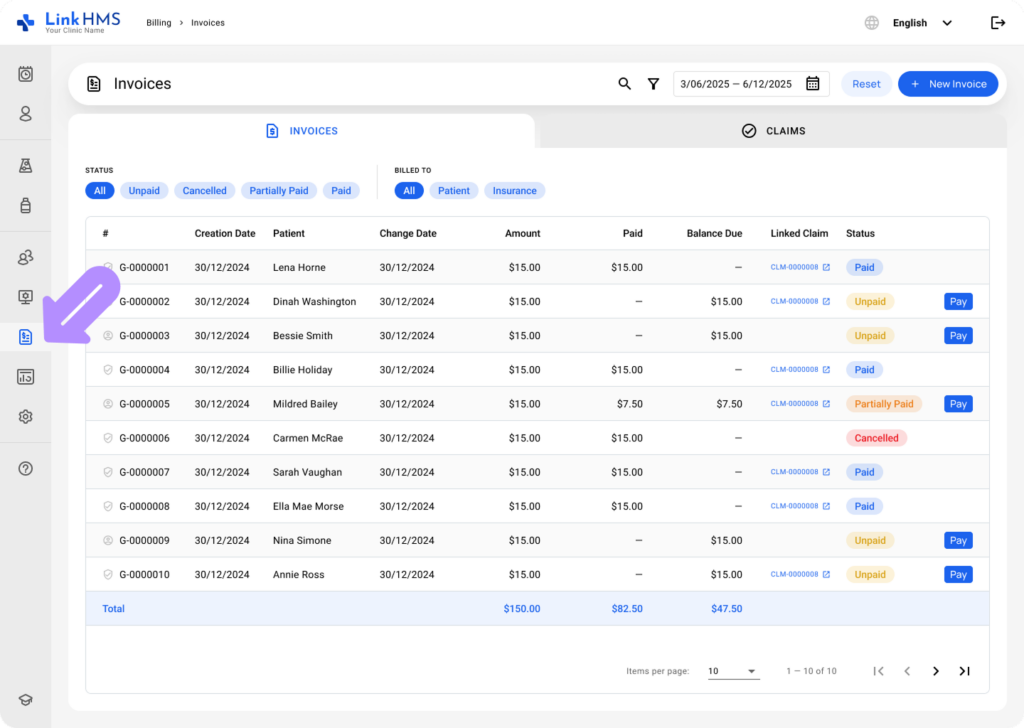
- Navigate to Billing from the menu on the left and open the Invoices tab.
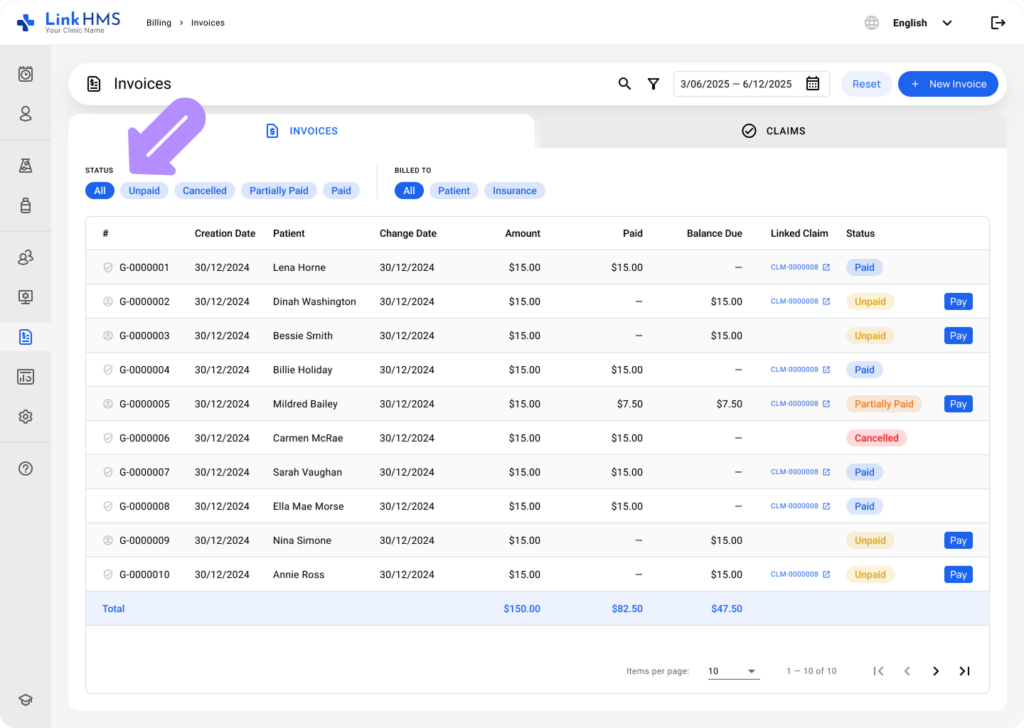
- Use the search bar or available filters to find the needed invoice quickly.
For more help, see the complete guide on How to browse and search for invoices.
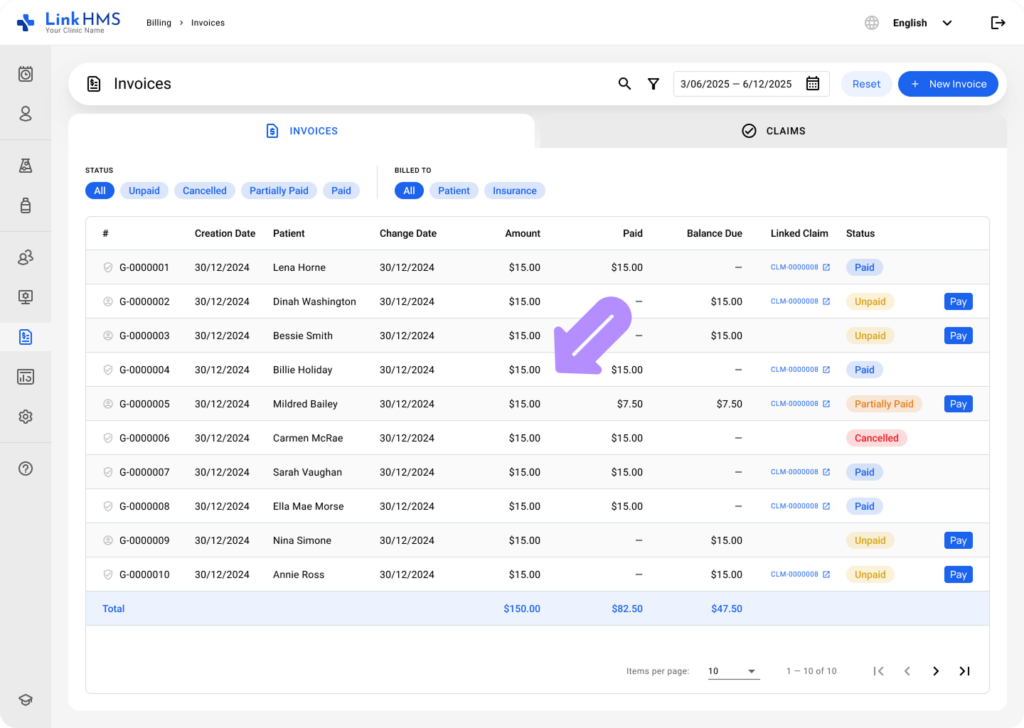
- Locate the necessary invoice and click on it to open.
Printing the Invoice
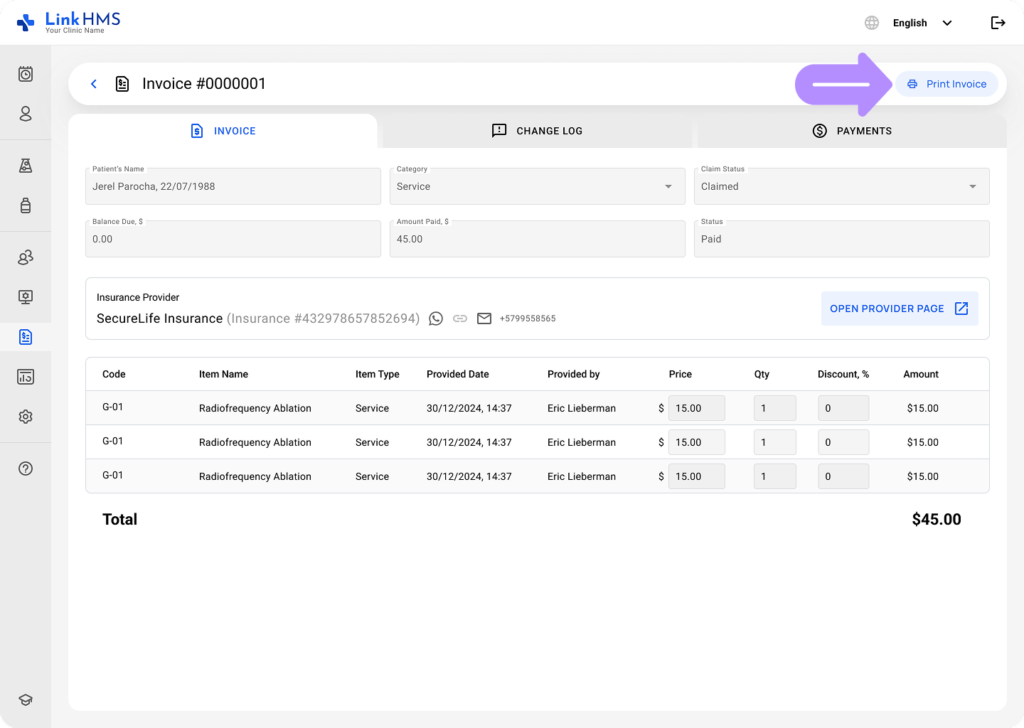
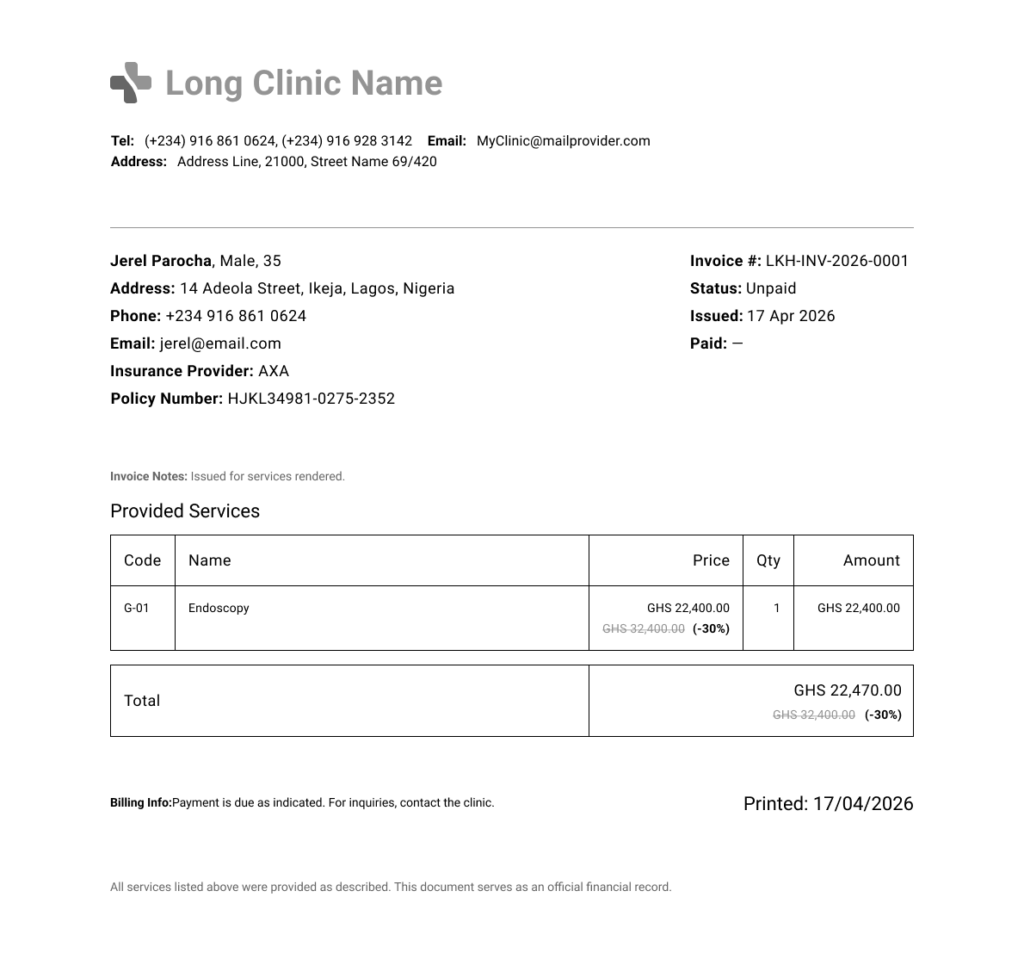
- Click the Print Invoice button in the upper-right corner to get the PDF file with the listed service charges.
- Use the browser’s settings to download or print the invoice for further use.
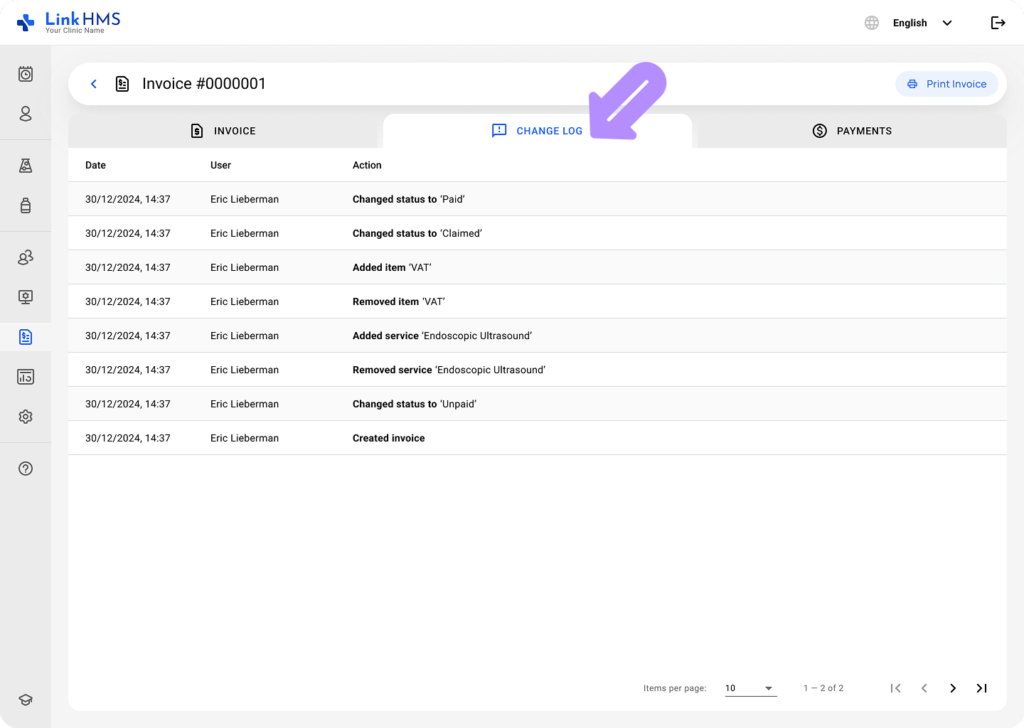
- Access the Change Log tab to review all actions performed on the invoice.
- If required, check the Payments tab to see paid amounts, payment methods, and statuses.