💡Notes
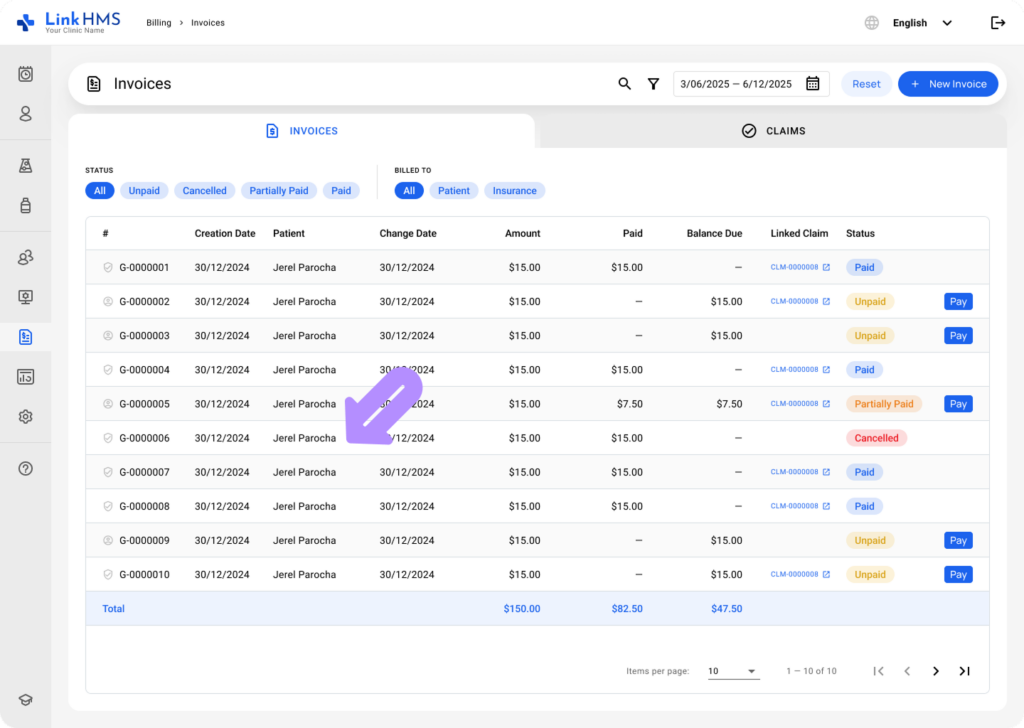
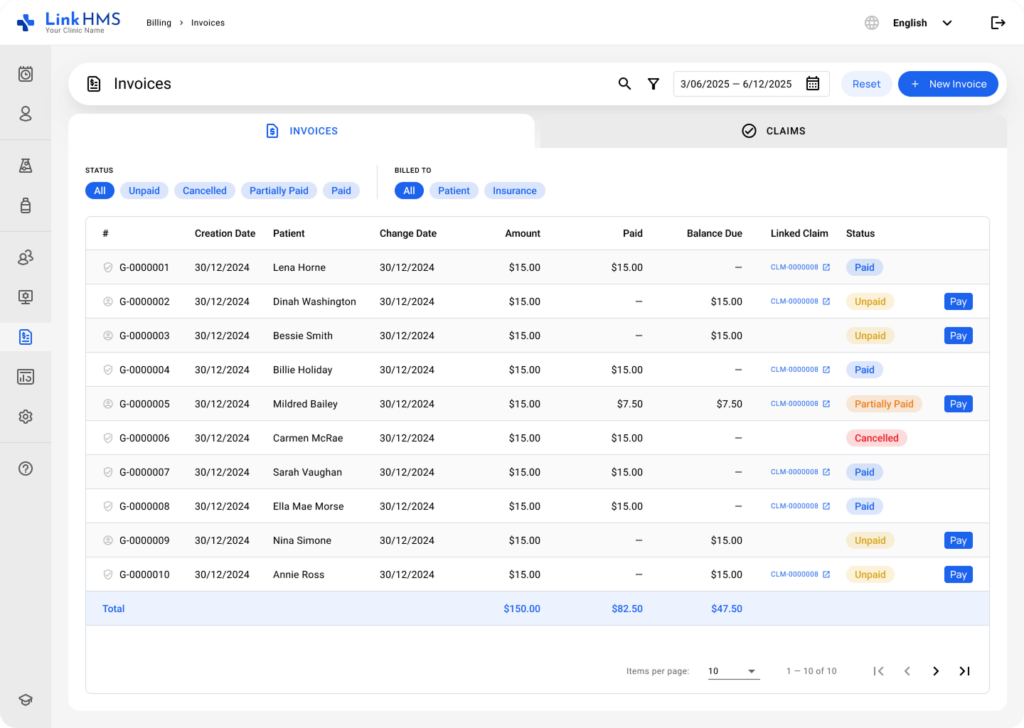
The Billing tab contains all invoices in one place, including pharmacy invoices. You can easily manage pharmacy invoices record, track payments, monitor balances due, and update invoice statuses.
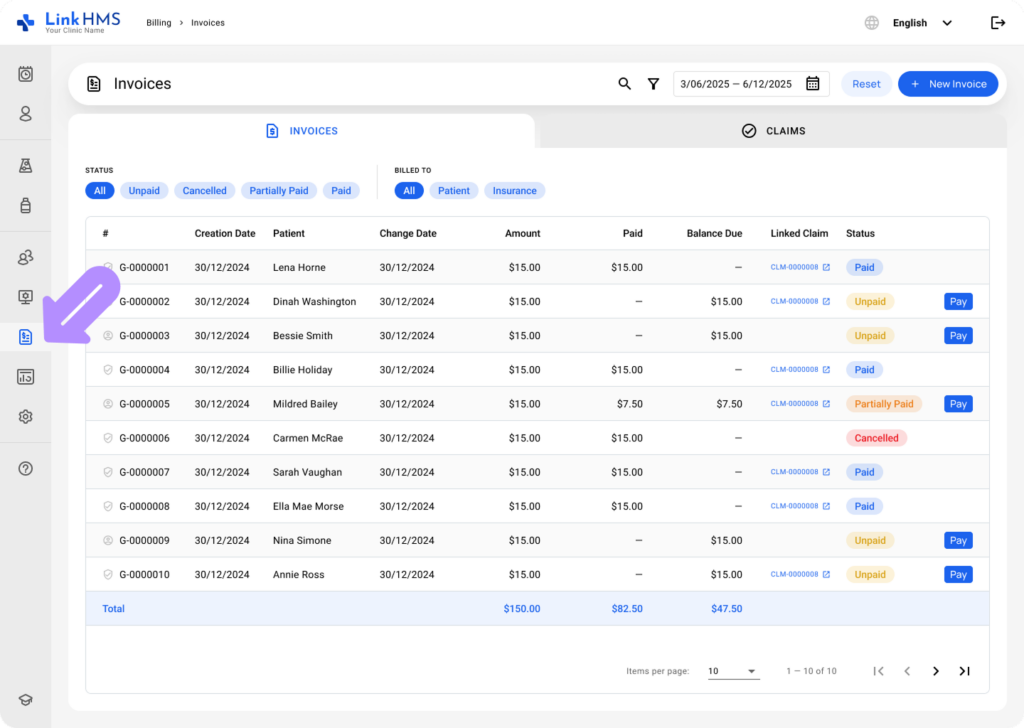
- Navigate to the Billing tab, which contains Pharmacy invoices.
💡Notes
By default, pharmacists have access to Pharmacy invoices only, while admins have full access to all invoices.
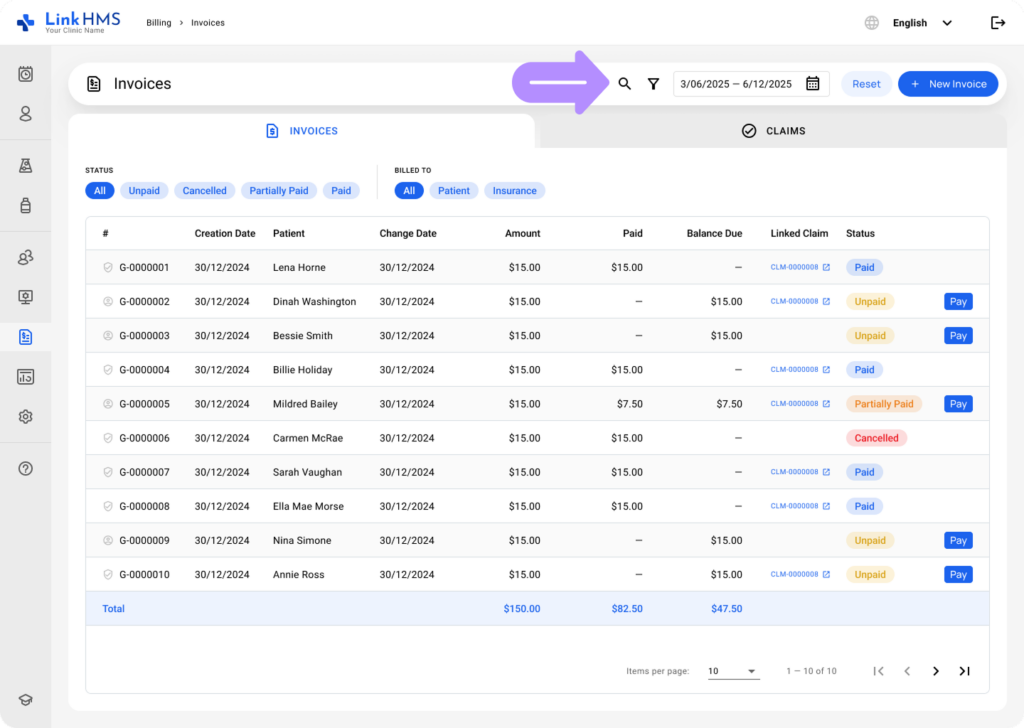
- Apply additional filters or use the search bar to locate the necessary pharmacy invoice.
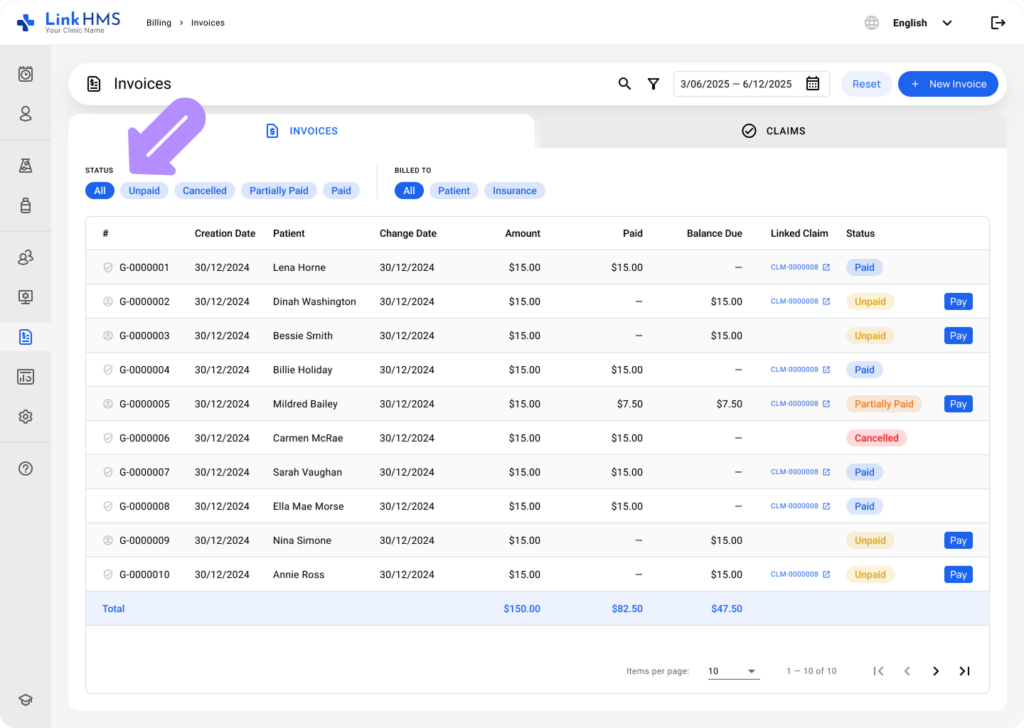
- Use Status and Billed to filters to track invoices with specific statuses.
- Get a quick overview of key details, such as Creation Date, Patient, Change Date, Amount, Paid, Balance Due, Linked Claim, and Status for each invoice.
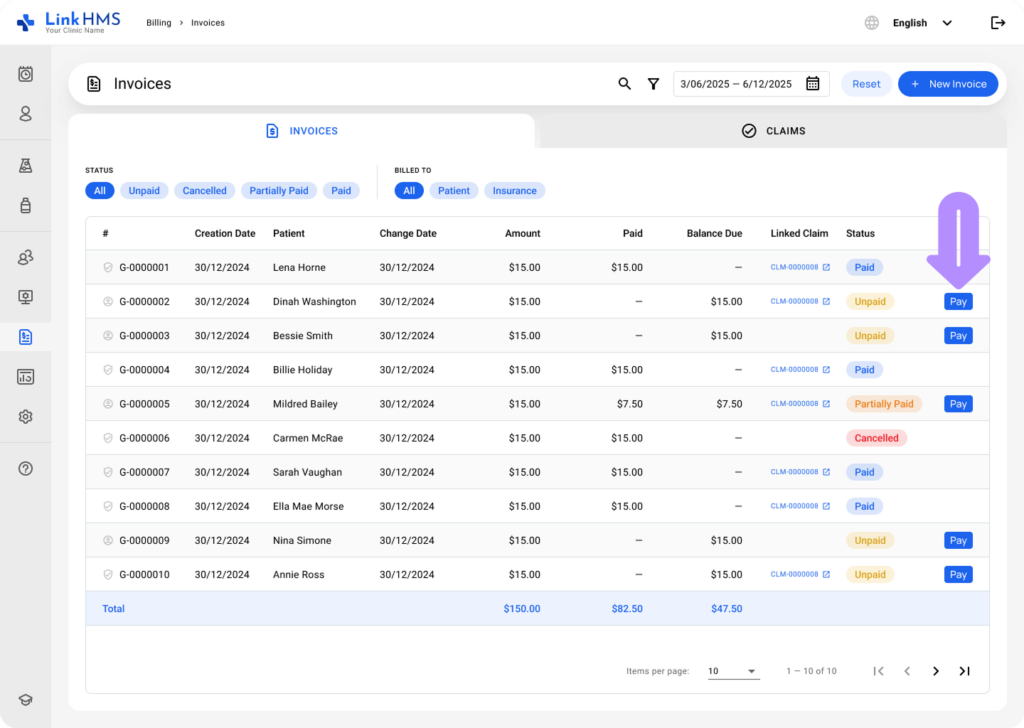
- Click Pay to record a payment for unpaid or partially paid invoices. For additional instructions, refer to the guide on how to record the payments on invoices.
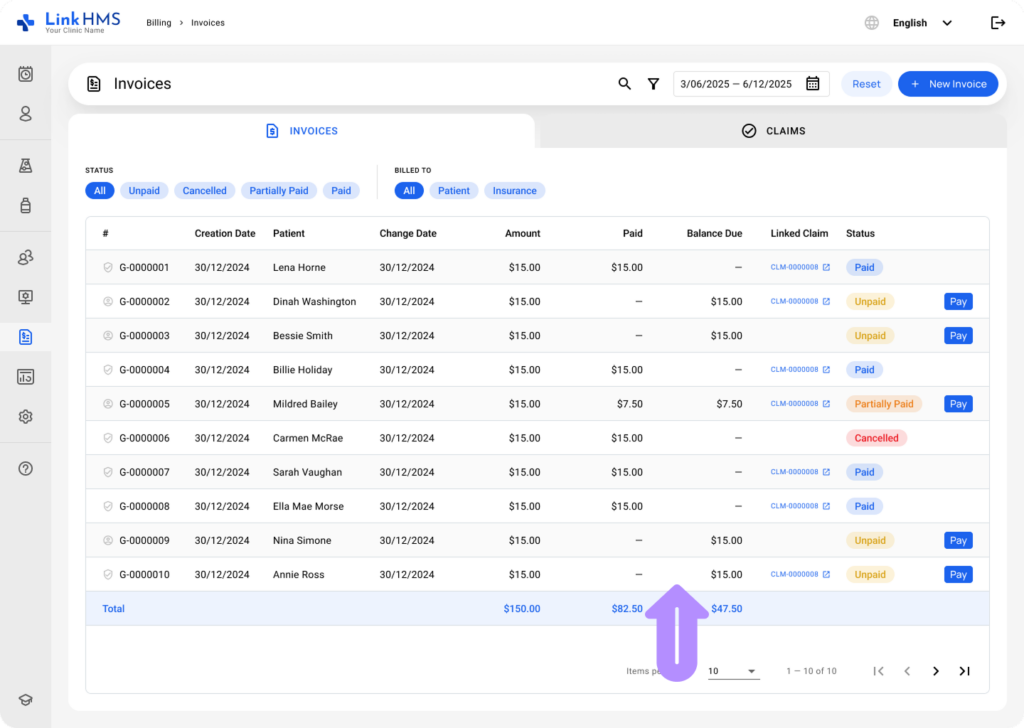
- Monitor the totals at the bottom for a quick financial overview (billed, paid, and outstanding).
- Open the specific invoice to review full information, update statuses, and check the change log and payment history. Check the detailed guide on how to manage and edit invoices.