Learn which emails LinkHMS sends to patients automatically, including appointment confirmations, reminders, test result notifications, and birthday messages, and how verified emails support automatic communication.
Not every patient email requires your clinic staff’s involvement. LinkHMS sends some notifications automatically in response to specific events in the system, whether that’s booking an appointment, completing a lab test, or reaching a patient’s birthday. Each email is automatically branded with your clinic’s name, logo, and contact details.
💡Notes
LinkHMS sends these notifications automatically only when the patient has a verified email address. If the email isn’t verified when the relevant event occurs, LinkHMS doesn’t send the notification or queue it for later. Once the email is verified, LinkHMS can send future automatic notifications without additional staff action.
Appointment confirmation
As soon as an appointment is scheduled in LinkHMS, the patient automatically receives a confirmation email. It doesn’t matter whether the appointment was booked at the front desk, over the phone, or created another way in the system. The email goes out as soon as the appointment is scheduled.
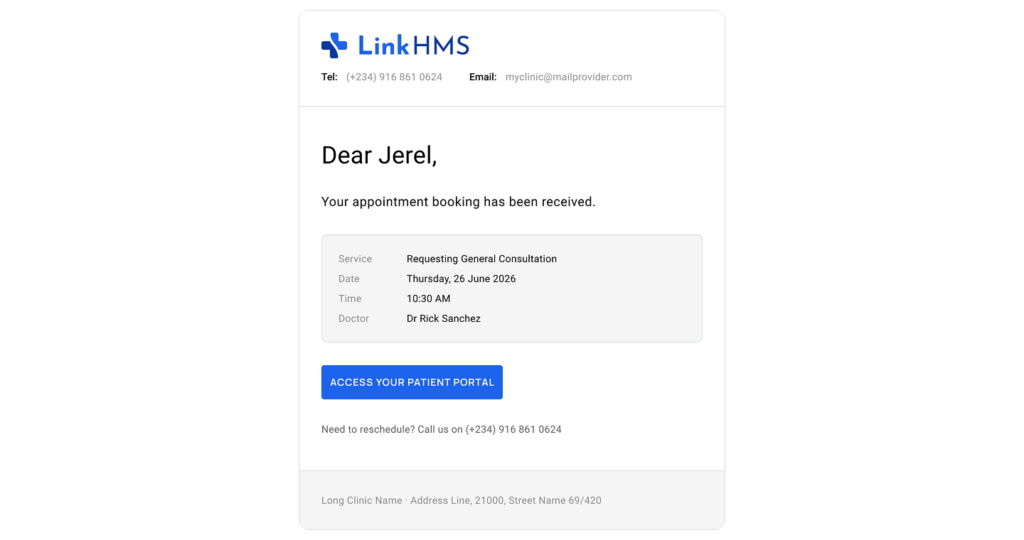
The confirmation includes the service, doctor, date, and time, giving the patient a written record of the booking from the start. If the appointment is weeks away, they have the details in their inbox to refer back to, instead of calling the clinic to confirm them again.
There’s nothing else for staff to do. Once the appointment is saved and the patient’s email is verified, LinkHMS handles the confirmation.
Appointment reminder
Patients first receive a confirmation when they book an appointment, followed by a reminder closer to the visit.
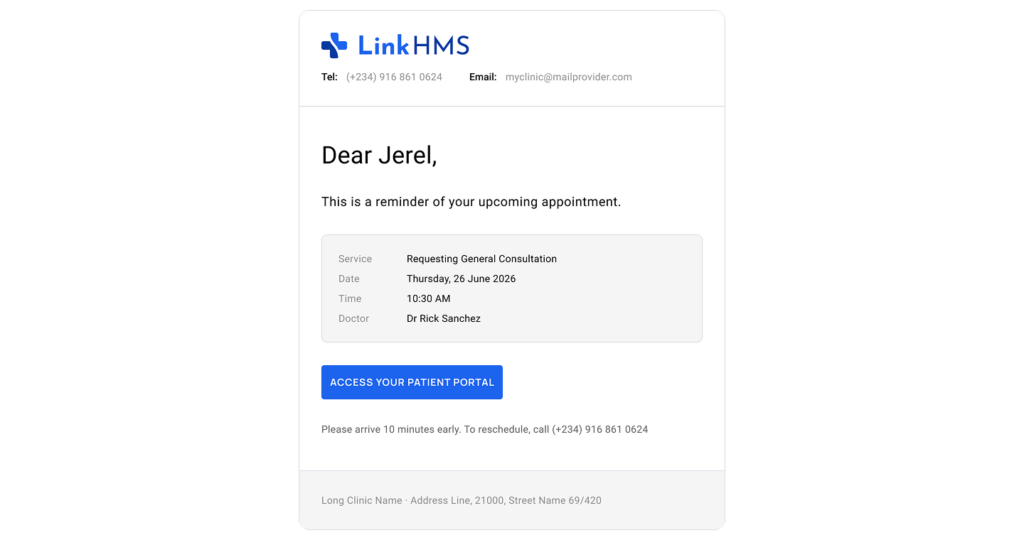
Twenty-four hours before the scheduled appointment, LinkHMS automatically emails the patient again with the service, doctor, date, and time. No one needs to keep track of which patients should be reminded or send those messages individually.
It gives patients another chance to check the details when the appointment is close enough to act on, helping keep upcoming visits from being forgotten.
Test results ready notification
Patients don’t have to wonder whether their lab results are available or call the clinic just to find out.
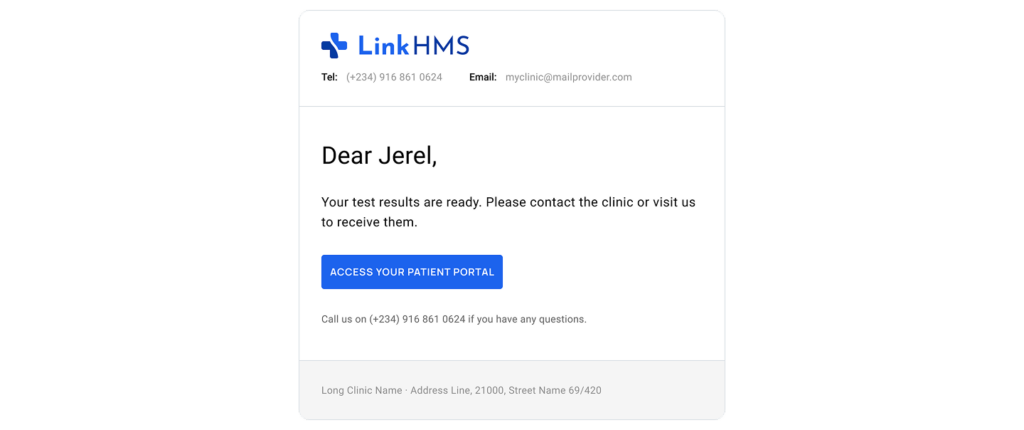
LinkHMS sends an automatic notification as soon as a lab specialist marks the test as done. The notification goes out immediately, without waiting for someone to open the result or manually notify the patient.
💡Notes
This email tells the patient that the result is ready, but it does not contain the result itself. No test values, clinical details, diagnosis, or PDF are attached. If the result needs to be shared with the patient, a staff member sends the actual document separately from the patient’s EMR.
That means the notification and the test result serve two different purposes. One lets the patient know there’s an update; the other gives them the actual document when the clinic is ready to share it. For the full process, see How do I send a test result to a patient.
Happy birthday greeting
Small personal touches can help clinics stay connected with patients, but tracking birthdays and sending messages manually takes time. LinkHMS handles this automatically, so staff doesn’t need to manage another recurring task.
Each day, LinkHMS checks patient birthdays and sends a birthday message to anyone whose birthday falls on that day and who has a verified email address.
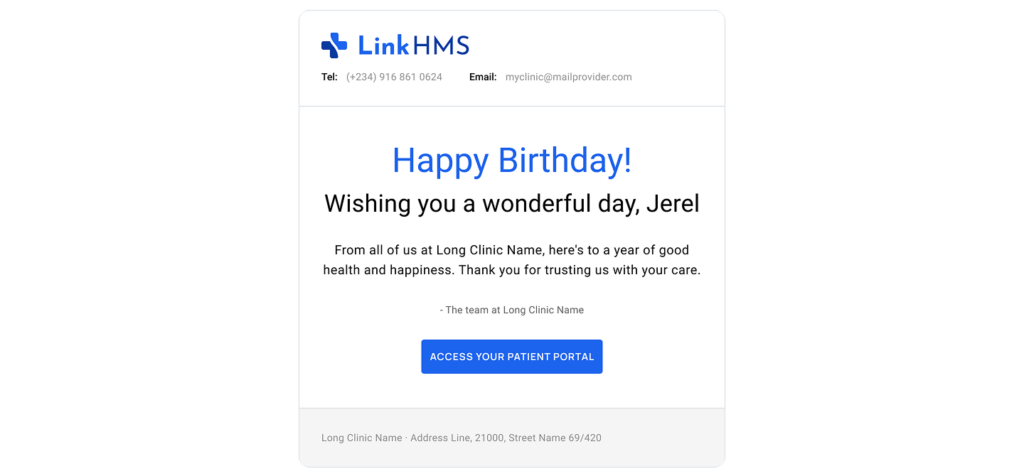
The email contains no clinical, appointment, or billing information. It’s a goodwill message that helps maintain the patient relationship without requiring staff to track birthdays or send individual emails.
With patients’ verified emails in place, routine patient communication becomes one less thing for staff to manage. LinkHMS sends the right automatic notifications at the right moments, without adding another task to the clinic workflow.