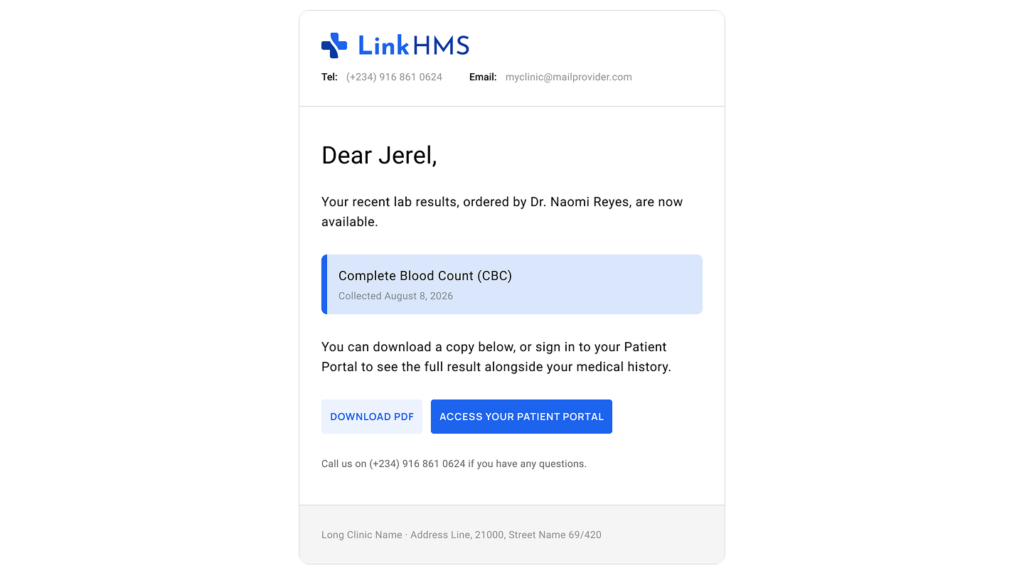
While doctors can send test results from the patient’s EMR, lab specialists can send them directly from the lab test result view. The result is sent to the patient’s verified email as a PDF attachment, without the need to download or prepare the document separately.
💡Notes
LinkHMS automatically sends an email notification to the patient when their lab results are ready. The notification is sent only to a verified patient’s email address and does not include clinical values or the test result as a PDF attachment. The actual result must be shared separately using the Send to Patient functionality.
Sending a test result
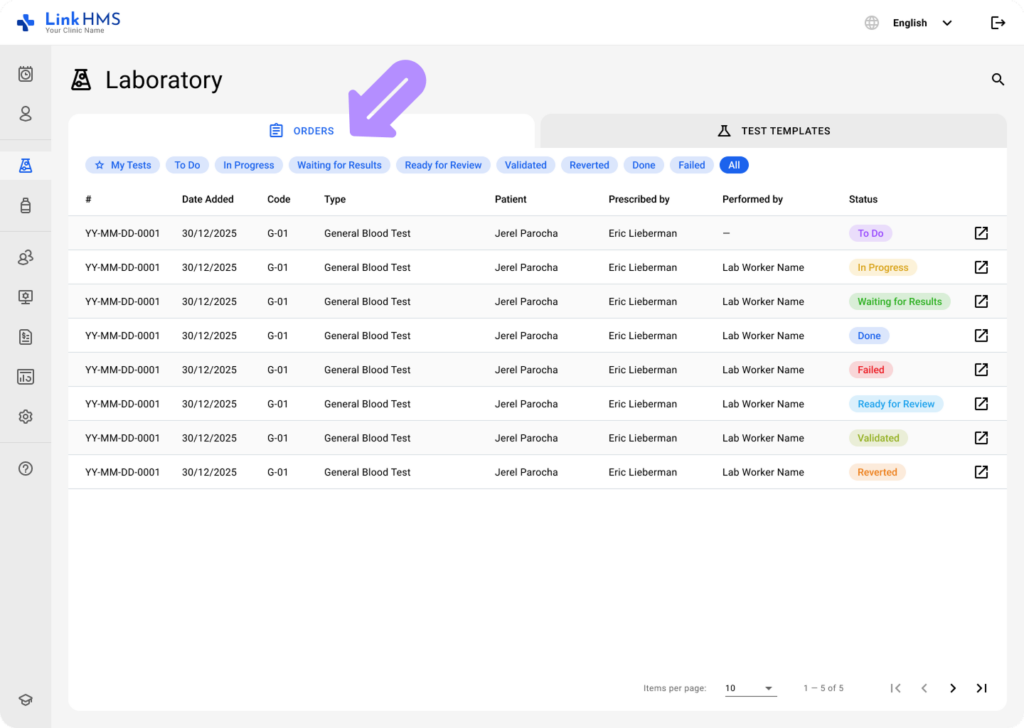
- Navigate to the Orders tab in the Laboratory module to access lab test results, then select the required test to open its details.
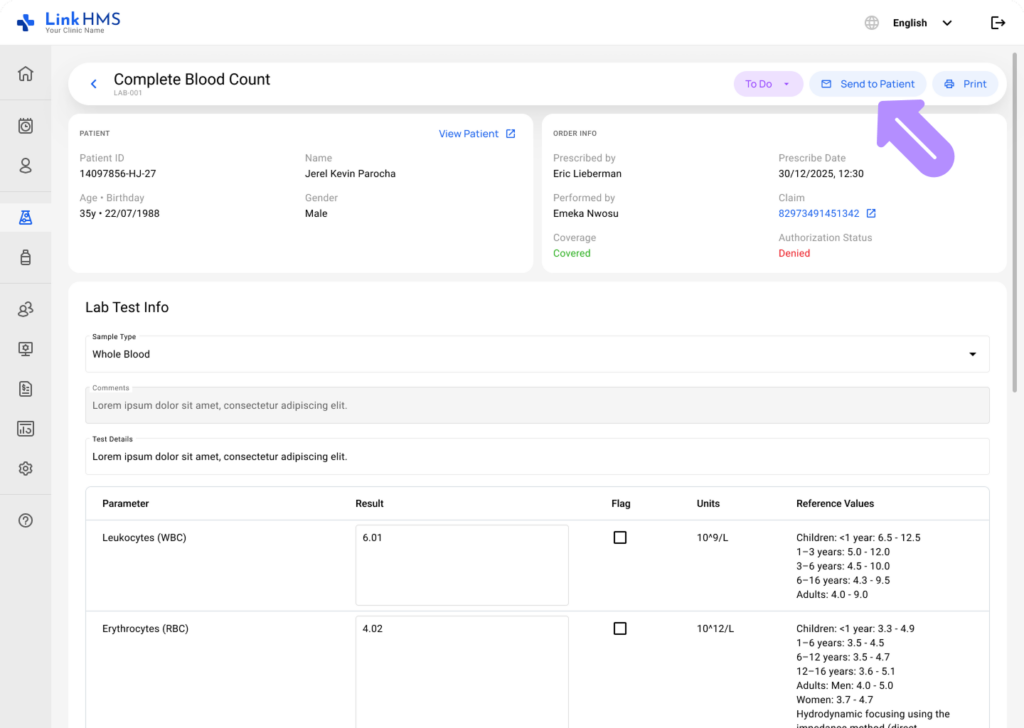
- Select Send to Patient next to Print.
- Continue based on the patient’s email status:
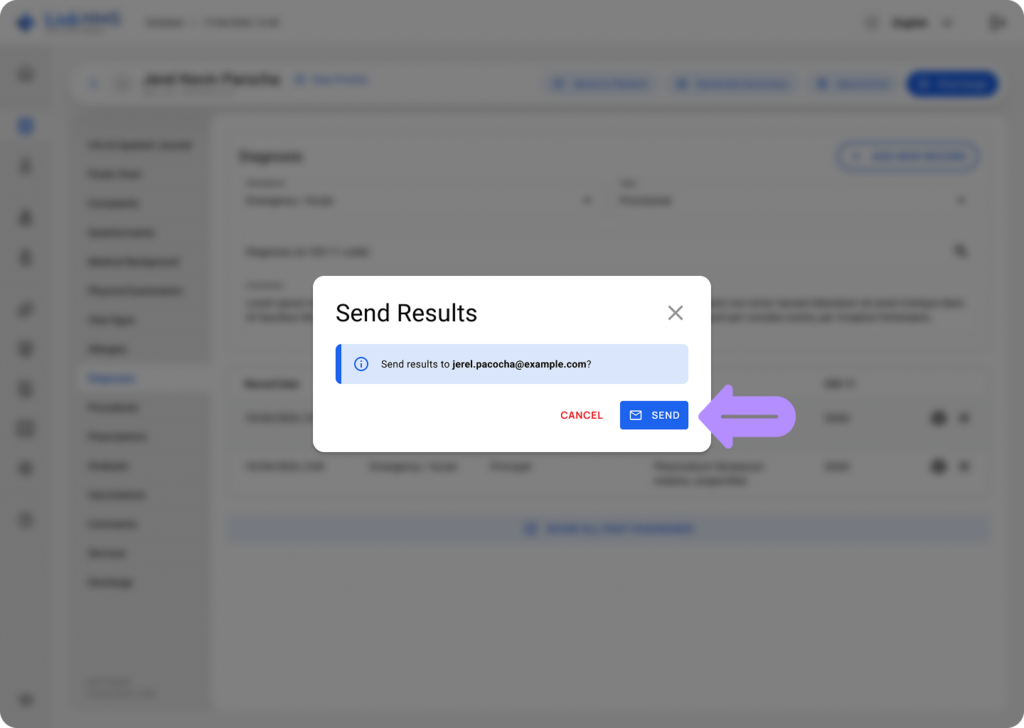
- Verified email: Confirm that you want to send the result to the displayed email address. The result is sent immediately when you click Send.
💡Notes
Each verified email address can be linked to only one patient record. Once an email has been verified for one patient, the same address cannot be verified or used for another patient.
- Unverified email: The patient’s email is already filled in. Send the verification code, ask the patient to provide the code, enter it, and select Verify & Send.
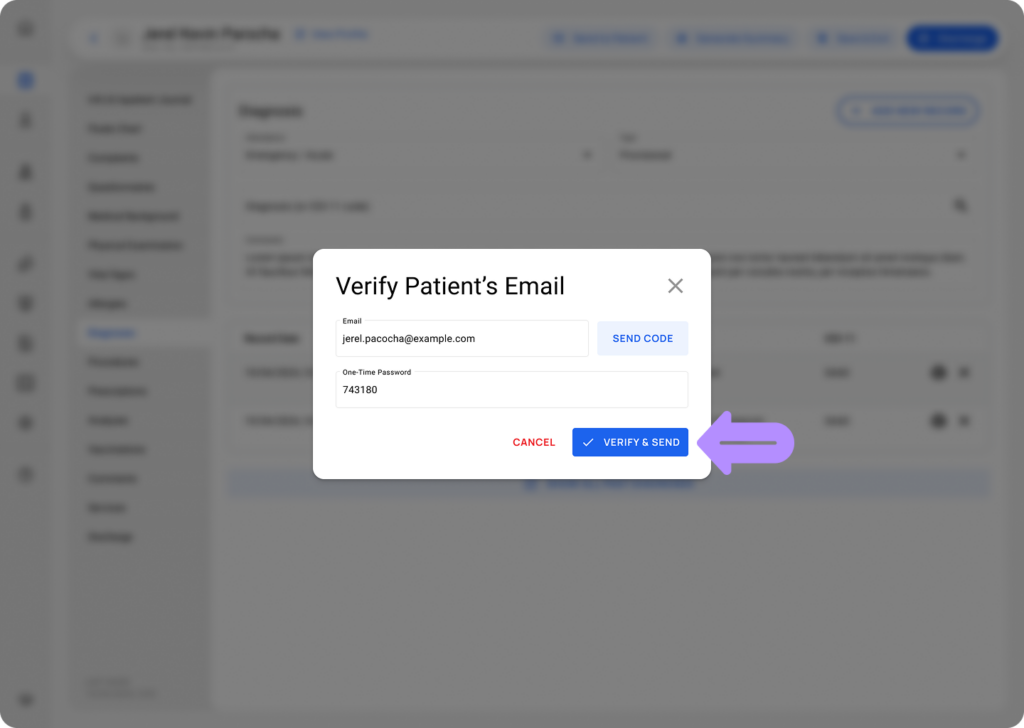
- No email: Enter the patient’s email address, send the verification code, enter the code provided by the patient, and select Verify & Send.
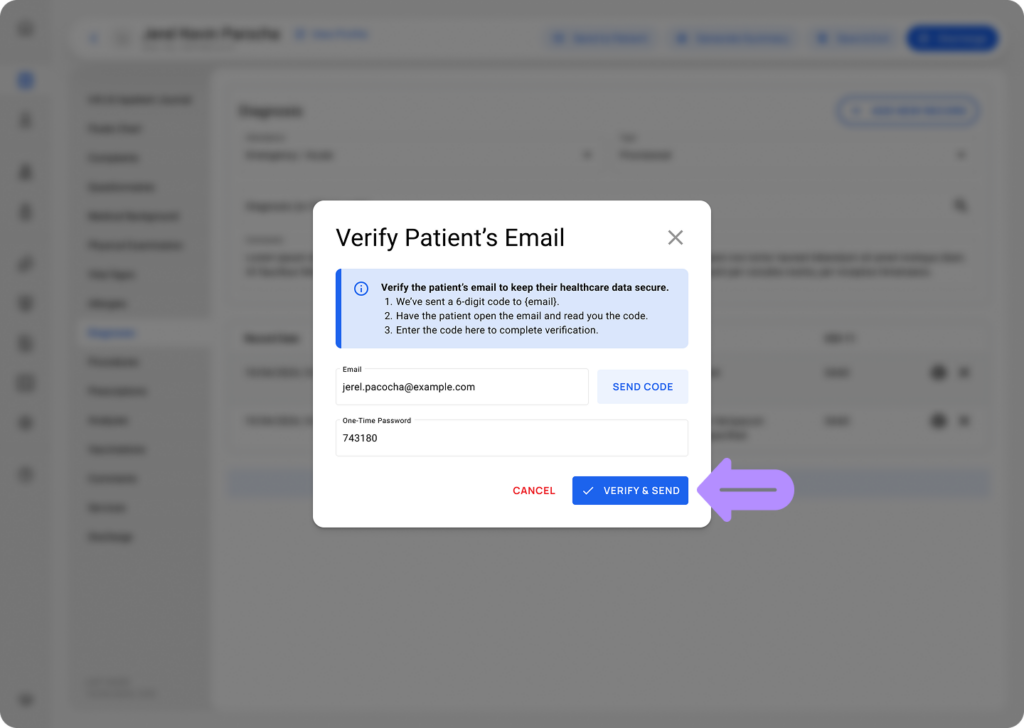
For an unverified or newly entered email, verification and sending happen in the same step. There is no additional confirmation after you select Verify & Send.
💡Notes
You can use the Send to Patient button before or after the test result is marked as done. LinkHMS does not determine whether the result is ready to share, so always check that the result is accurate and ready for the patient before sending it. The result arrives as a PDF attachment, the same file Print produces, with the email just pointing to it, no link, no separate page. Because that attachment can’t expire or be recalled once sent, LinkHMS only sends it to a verified email.